Mobile App
The Flutter app for Android and iOS: setup, API_BASE, rebranding, Firebase push, deep links and release builds.
Item: MediaDesk — Multilingual AI-Powered Newsroom ERP
Before You Start: Google Firebase Dependency
The app has a hard dependency on Google Firebase. The Flutter packages firebase_core and firebase_messaging (Google, BSD-3 licensed SDK) are compiled into every build of the app; they cannot be removed without changing the source code.
- You need your own Firebase project (free to create at console.firebase.google.com) under your own Google account if you want push notifications in the app. The author does not provide, share or operate a Firebase project for you, and the package contains no
google-services.json,GoogleService-Info.plist, API key or service account. - You must accept Google’s terms. Creating a Firebase project means agreeing to the Firebase Terms of Service and the Google APIs Terms of Service, and Google’s data-processing terms. Mention Firebase Cloud Messaging in your app’s privacy policy and in the store data-safety forms (it processes a device token).
- Costs: Firebase Cloud Messaging is currently free, but it is Google’s service and its pricing and terms can change; any charge is between you and Google.
- Without Firebase the app still builds and runs: articles, accounts, podcasts, e-paper and everything else work, only push notifications stay off.
- Who: a developer adds the Firebase files when building the app (Firebase Push); the project id and service-account JSON are then pasted into the admin panel (Common Setup → Push).
What the App Does
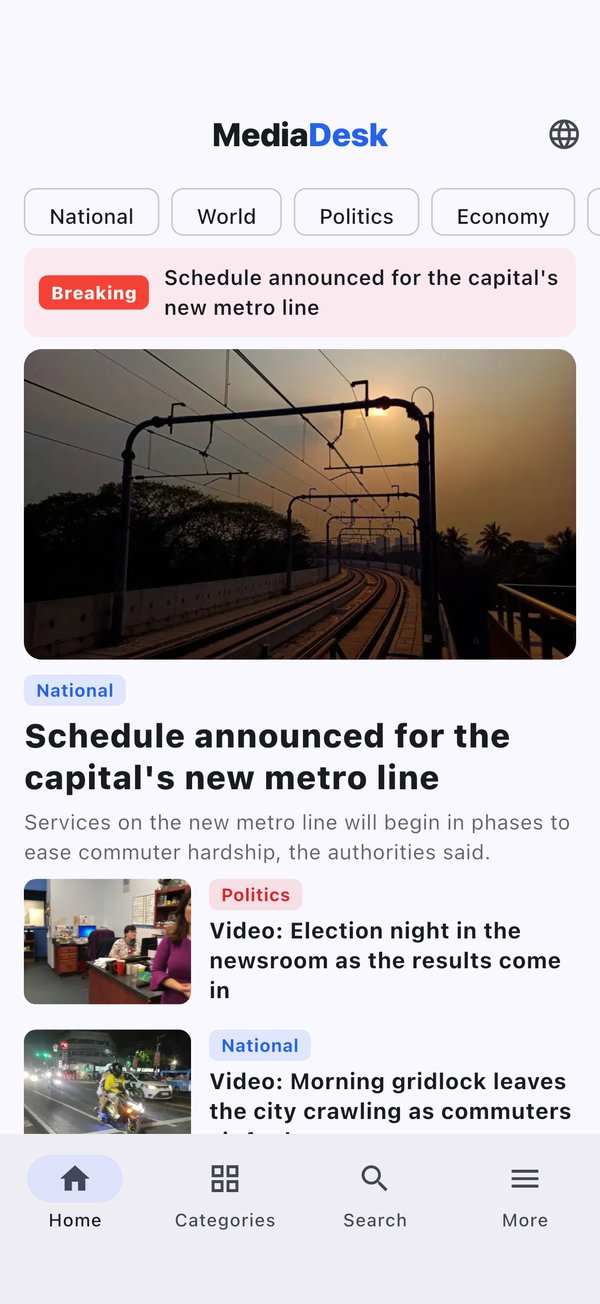
The MediaDesk app is a Flutter client (Android and iOS, v1.2.0, Flutter 3.44 / Dart 3.12) for your MediaDesk backend. It has no content of its own: everything comes from your site’s REST API under /api/v1, in the language the reader chooses (English, Bangla, Arabic with right-to-left layout, French). State management is provider; the sign-in token is kept in the Keychain / EncryptedSharedPreferences via flutter_secure_storage.
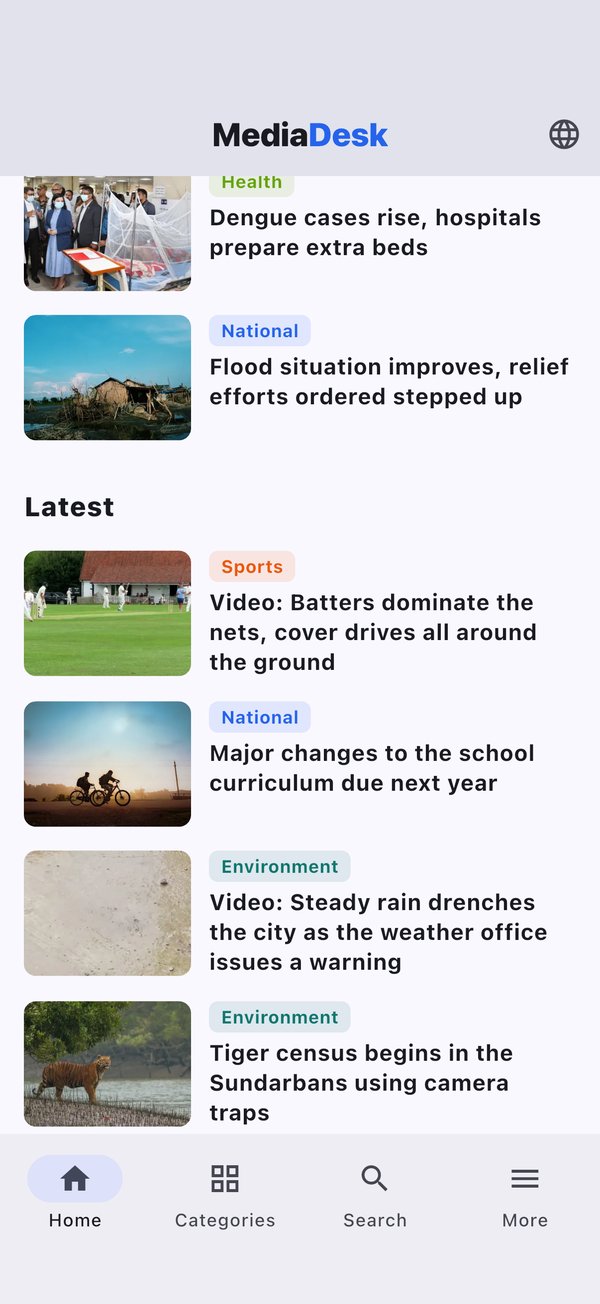
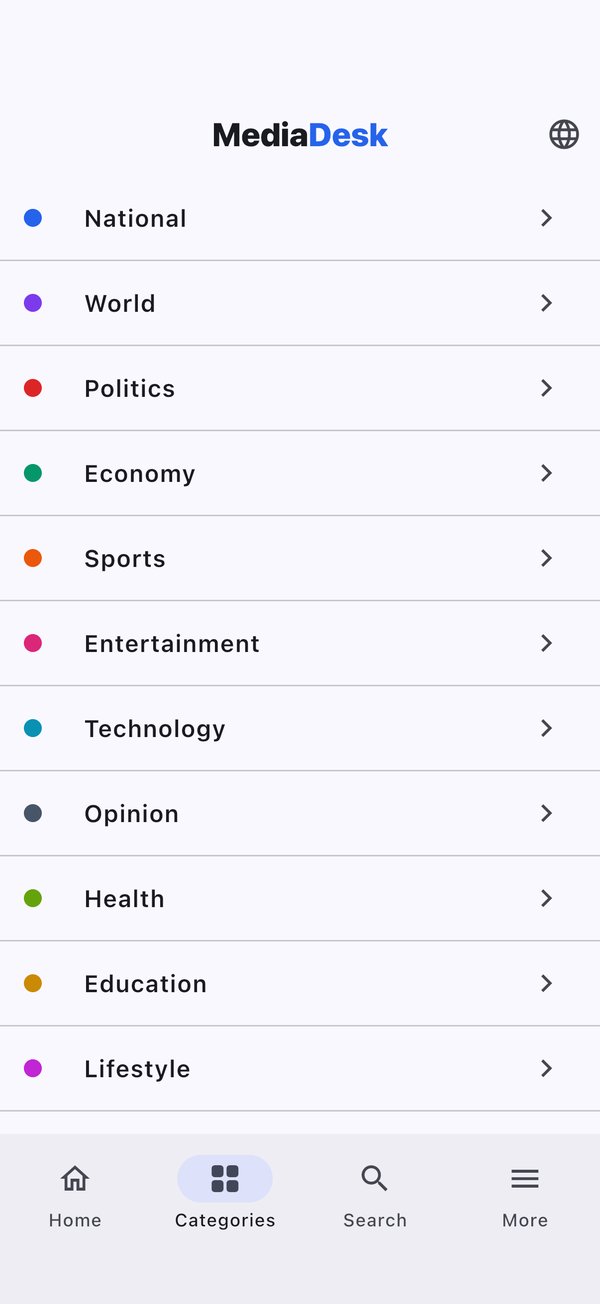
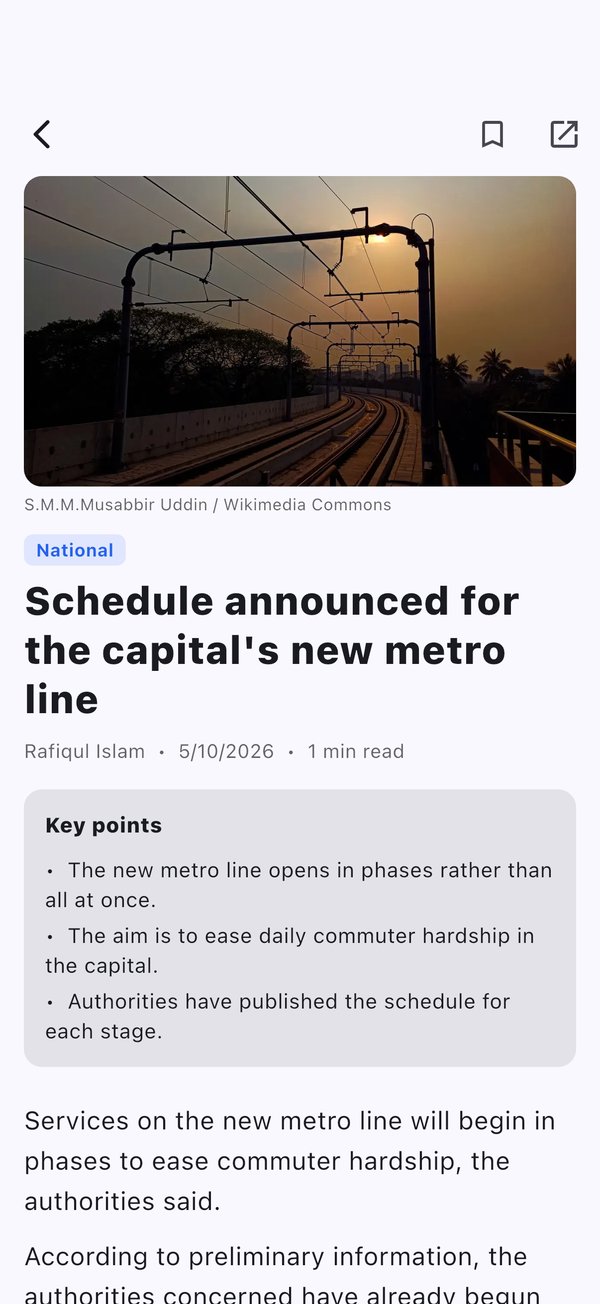
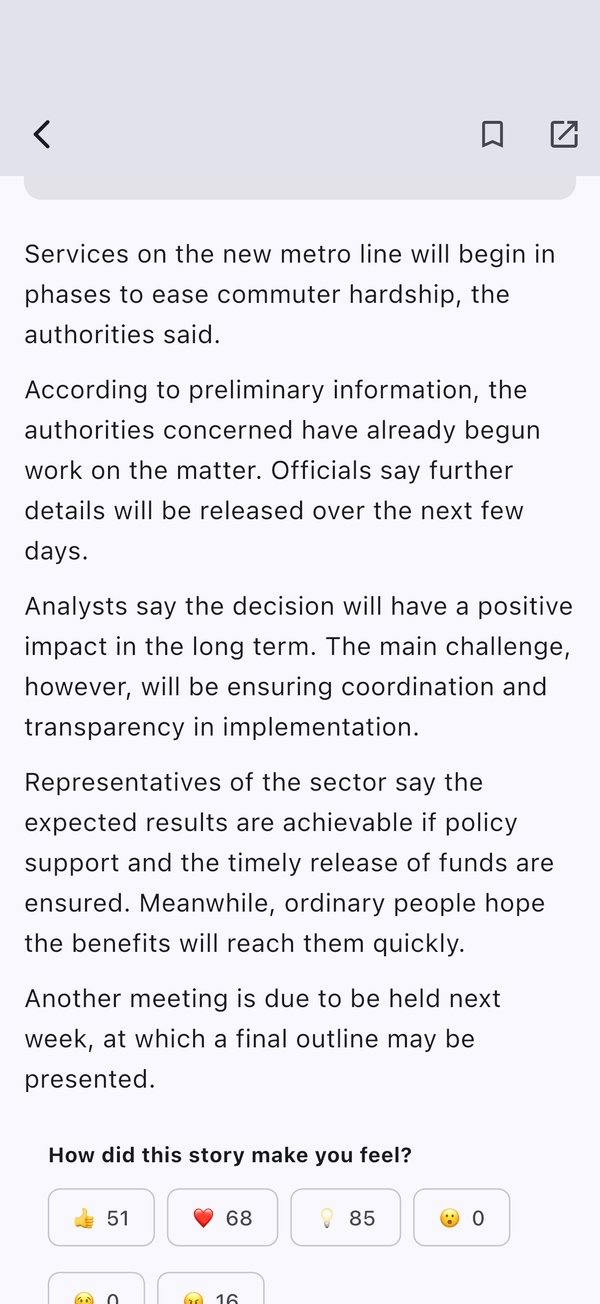
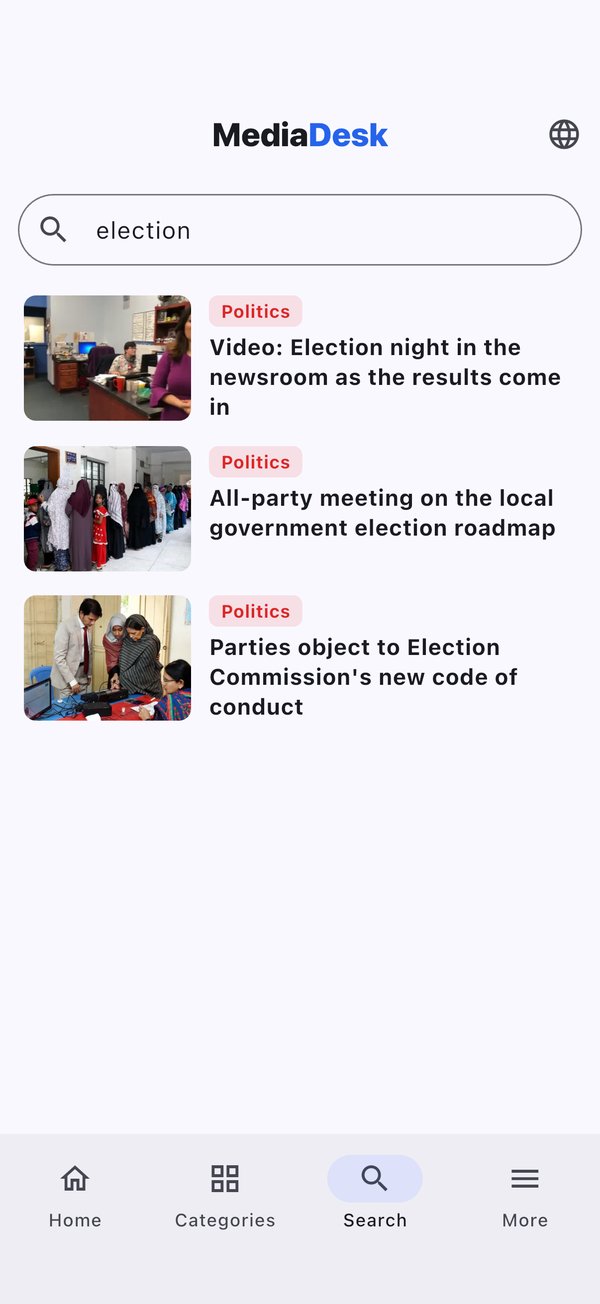
- Home (breaking bar, hero, latest, trending), categories, article reader with key points, reactions and comments, search.
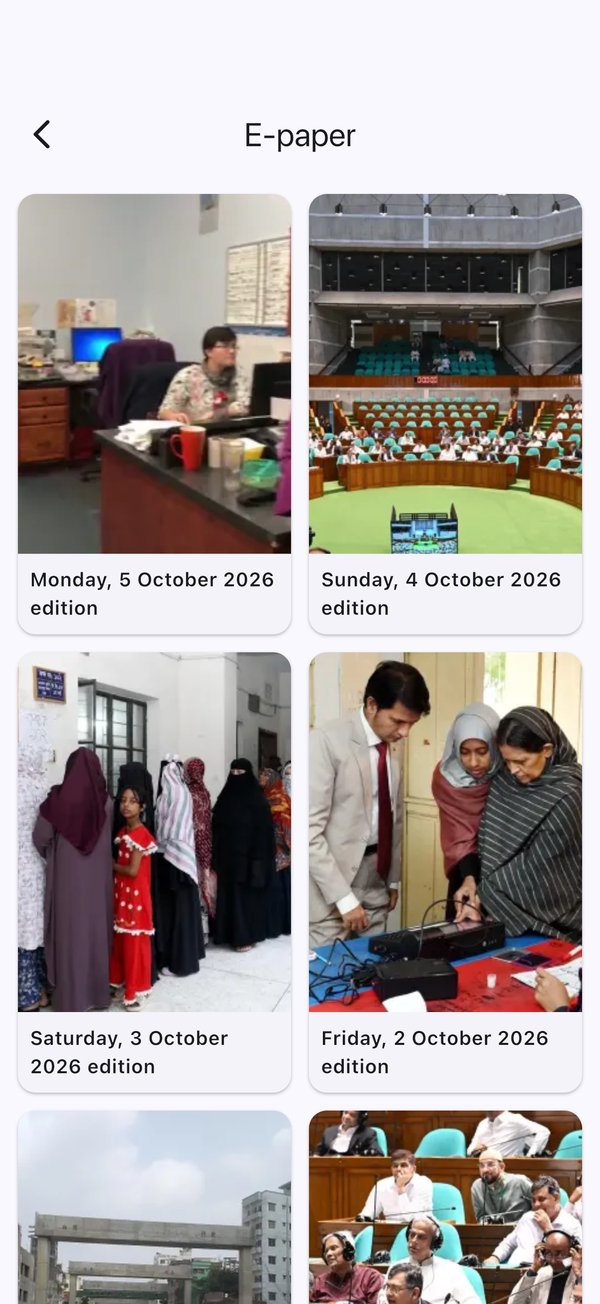
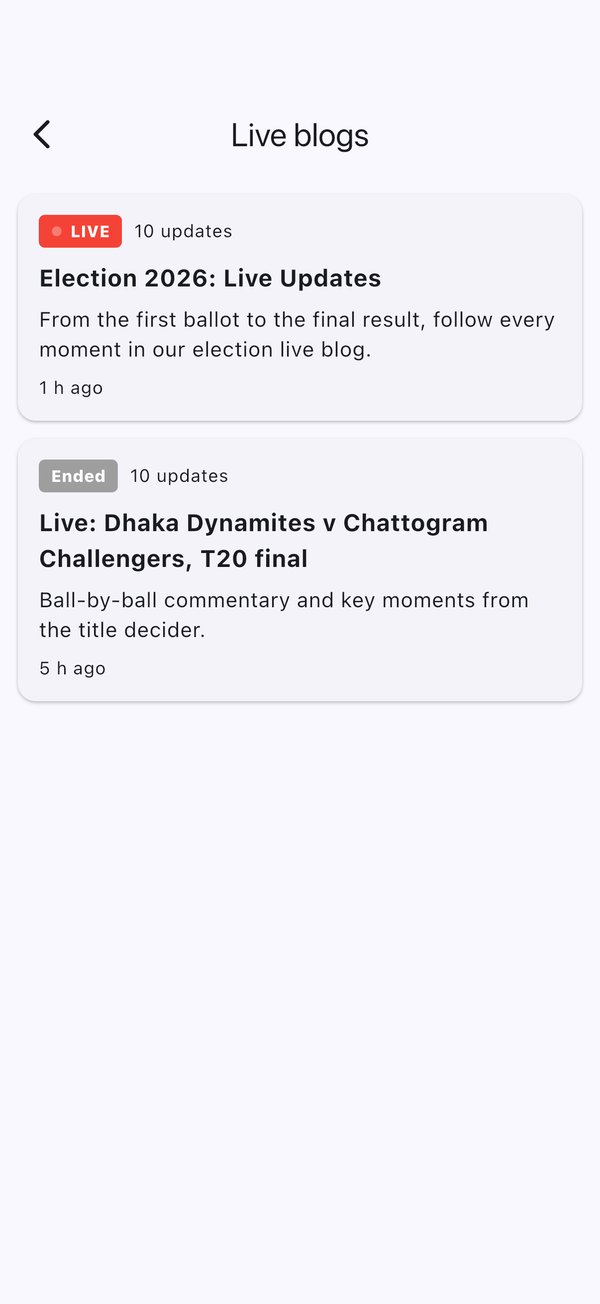
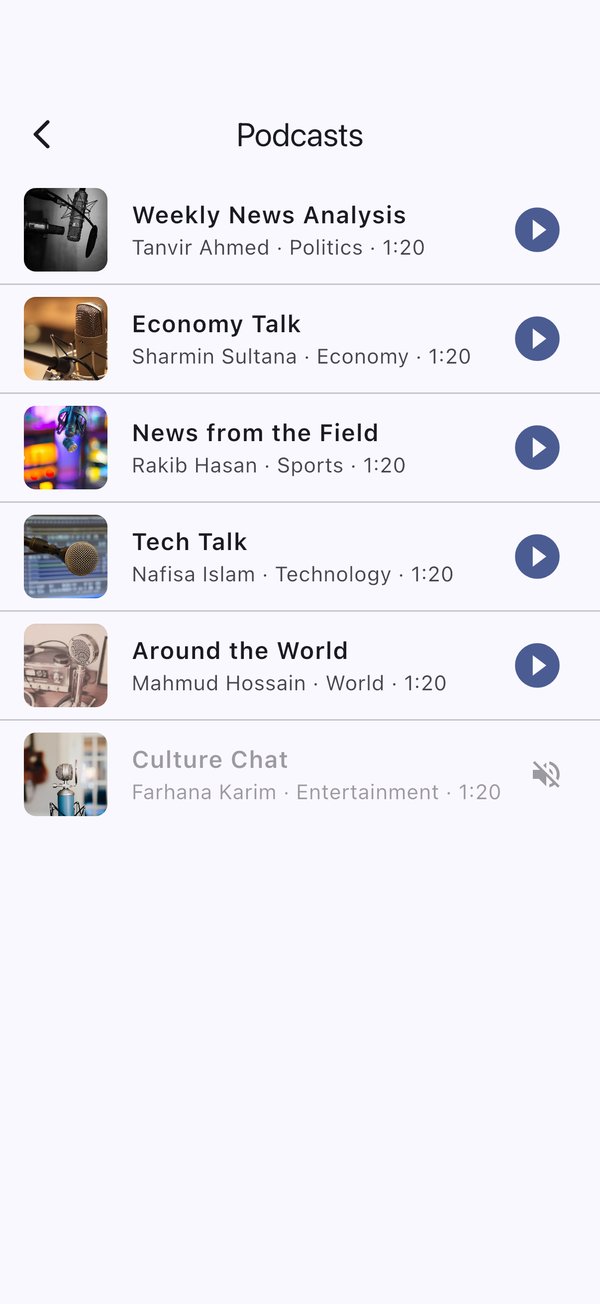
- E-paper, live blogs, podcasts with an audio player, polls.
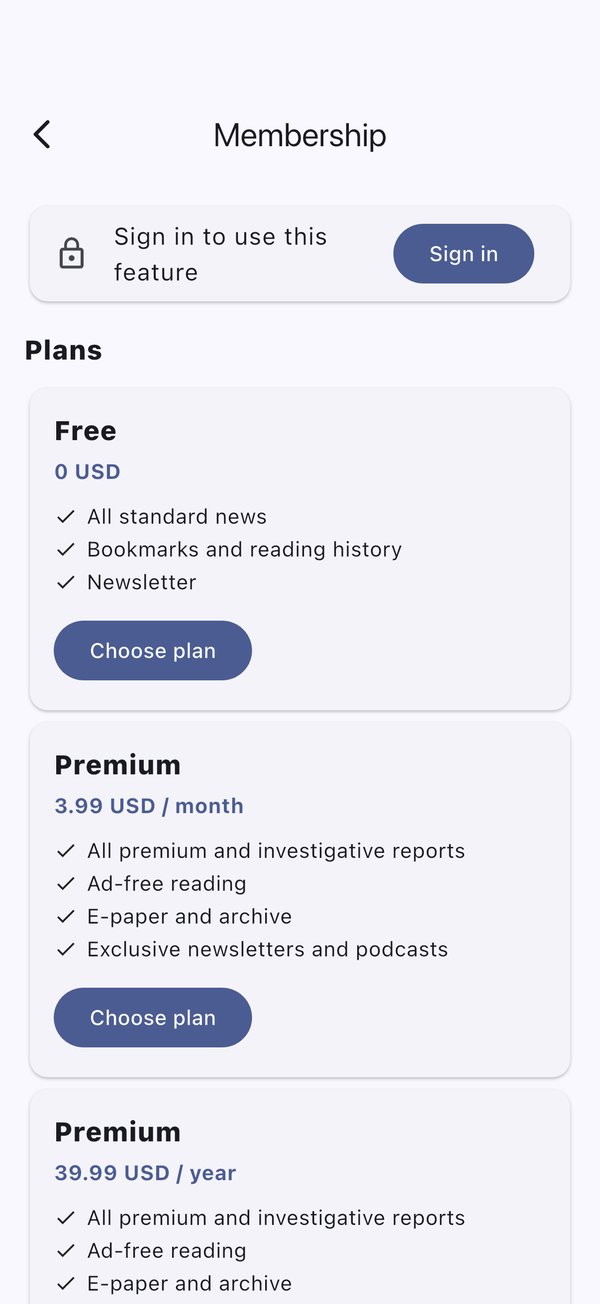
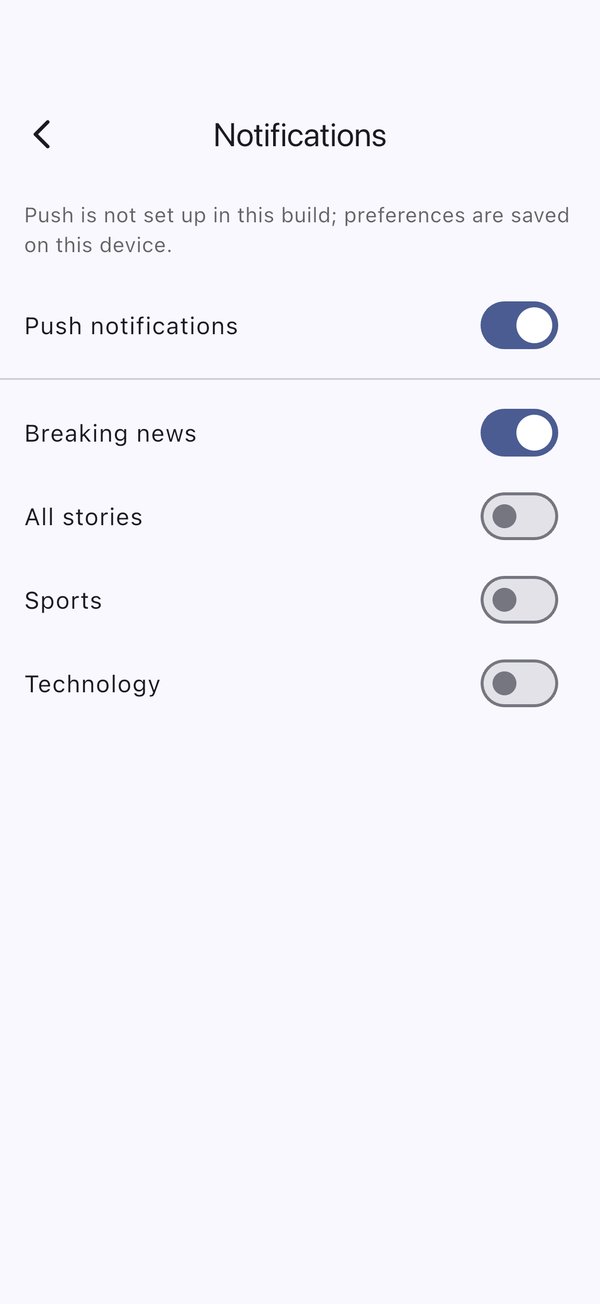
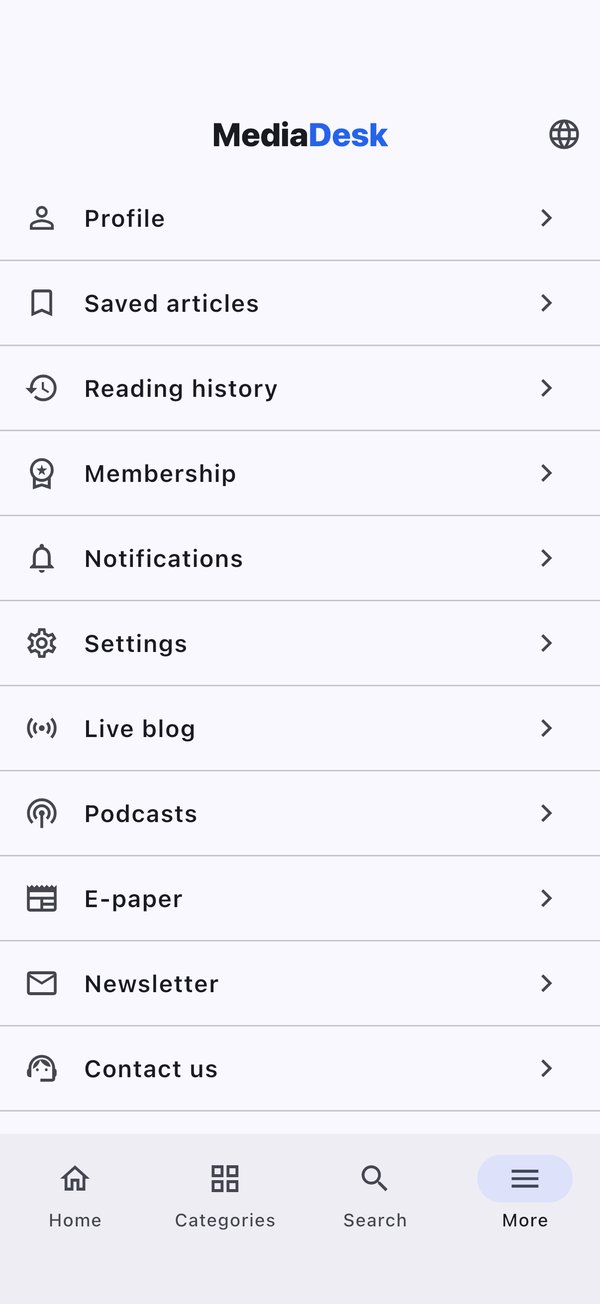
- Accounts (register, sign in, forgot password), profile, saved articles and reading history (stored on the device), membership plans, notification settings.
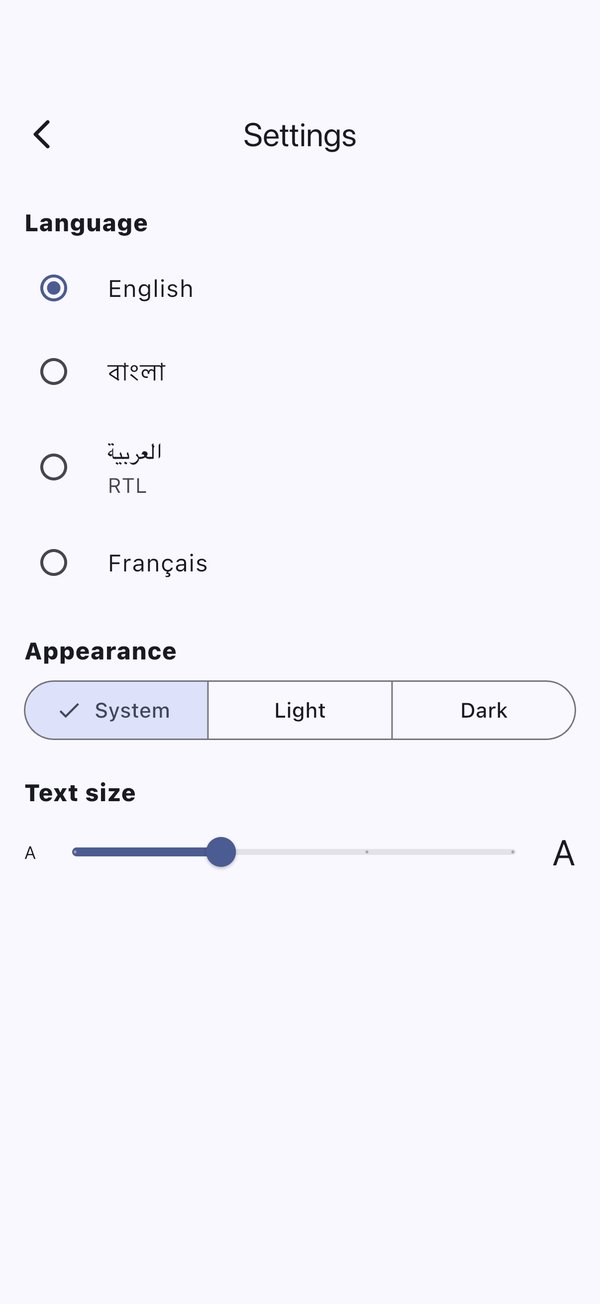
- Settings: language, light / dark / system theme, text size. Offline cache of the latest articles. Push with Firebase (optional) and deep links.
The app does not process payments and never shows a payment page inside the app: Choose plan and Buy this article open your website checkout in the device’s external browser. Read Payments & store policy before you publish.
What’s New in 1.2.0
- Read aloud: the headphones button in article tools reads the article with the device voice. Tap it again to stop. Languages depend on the voices installed on the device.
- Following: readers follow topics and authors, and see them in the Following feed.
- Library: saved articles and reading history work without signing in, and readers can back up their library.
- Account tools: account security controls and billing access under Account & Library.
- E-paper: lists real PDF editions from your site, with protected PDF access.
- Bottom tabs and theme: set on the website under Site → Navigation → Mobile bottom tabs and Settings → Public site → Default theme.
- Update and maintenance control: set on the website under System → Operations.
Screens
Captured on an iPhone 16 Pro simulator against the demo database (English locale).
Requirements
| Tool | Version / note |
|---|---|
| Flutter SDK | 3.44 or newer (Dart 3.12 or newer; pubspec.yaml has sdk: ^3.12.0) |
| Android | Android Studio with SDK; JDK 17 (Gradle config targets Java 17); Android Gradle Plugin 9.0.1 and Kotlin 2.3.20 are declared in android/settings.gradle.kts |
| iOS | macOS, Xcode, CocoaPods, an Apple Developer account for devices and the store. Minimum iOS version is 15.0 (Firebase requires it). |
| Backend | A running MediaDesk site with the Mobile / Public API v1 module enabled and at least one published article |
| Firebase | The Firebase SDK is always compiled in. Your own Firebase project (Google account, Google terms) is needed only for push notifications; see Firebase dependency |
Setup & Run
cd Main_Files/AppSourceCode
flutter pub get
flutter analyze
flutter test
flutter run --dart-define=API_BASE=http://10.0.2.2:8000
Start the backend (php artisan serve in the web project, or your staging URL). Targets:
| Target | API_BASE |
|---|---|
| Android emulator (default if you pass nothing) | http://10.0.2.2:8000 (the emulator’s alias for your computer) |
| iOS simulator / desktop (default if you pass nothing) | http://127.0.0.1:8000 |
| Real phone on your Wi-Fi | http://192.168.x.x:8000 — start the backend with php artisan serve --host=0.0.0.0 |
| Staging / production | https://your-domain.com |
Plain http:// works only in debug and profile builds (Android allows cleartext traffic only in android/app/src/debug and profile manifests; the release manifest does not). A release build needs an https:// API.
API_BASE
The server address is read in lib/config.dart:
String get apiBase {
  const fromEnv = String.fromEnvironment('API_BASE');
  if (fromEnv.isNotEmpty) return fromEnv;
  if (!kIsWeb && Platform.isAndroid) return 'http://10.0.2.2:8000';
  return 'http://127.0.0.1:8000';
}
Pass it on every run and build with --dart-define=API_BASE=https://your-domain.com: no trailing slash and no /api/v1 (the app appends it). Release builds default to the placeholder https://your-domain.com; debug/profile builds use the emulator or simulator localhost defaults unless you pass an explicit value. If you prefer not to type it each time, create a dart_defines.json file and use --dart-define-from-file=dart_defines.json:
{ "API_BASE": "https://your-domain.com" }Confirm the API answers: curl https://your-domain.com/api/v1/languages.
Customization & Rebranding
Replace the MediaDesk identity with your own before the first store build. Use only letters, digits, hyphens and dots in identifiers: Apple rejects underscores in bundle identifiers, so keep the Android and iOS ids identical and underscore-free (for example com.yourbrand.news). The application id and bundle identifier cannot change after publishing.
The table shows the current value of every identifier and where to change it.
| What | Current value | Where to change it |
|---|---|---|
| App name (Android) | MediaDesk | android:label in android/app/src/main/AndroidManifest.xml |
| App name (iOS) | MediaDesk / MediaDesk | CFBundleDisplayName (name under the icon) / CFBundleName in ios/Runner/Info.plist |
| App name (inside the app) | MediaDesk | title: of MaterialApp in lib/main.dart; the texts “Support MediaDesk” and “Advertise with MediaDesk” in lib/features/native_content/native_content_screens.dart. Headers show the site name your API returns |
| Android application id | com.mediadesk.reader | applicationId and namespace in android/app/build.gradle.kts |
| Android Kotlin package | com.mediadesk.reader | Move android/app/src/main/kotlin/com/mediadesk/reader/MainActivity.kt to the folder of your new id and update its package line |
| iOS bundle identifier | com.mediadesk.reader (tests: com.mediadesk.reader.RunnerTests) | Xcode → Runner target → General (or PRODUCT_BUNDLE_IDENTIFIER in ios/Runner.xcodeproj/project.pbxproj) |
| Deep-link scheme | mediadesk:// | android/app/src/main/AndroidManifest.xml, CFBundleURLSchemes in ios/Runner/Info.plist and lib/services/deep_links.dart (see Deep Links) |
| Version | 1.2.0+2 | version: in pubspec.yaml (name+build). Raise the build number for every store upload |
App icon
The project includes flutter_launcher_icons (configured at the end of pubspec.yaml). Replace the two source images and regenerate every Android and iOS size:
Replace the images
assets/icon/app_icon.png— 1024×1024 PNG, square, no transparency (used for iOS and the legacy Android icon).assets/icon/app_icon_foreground.png— 1024×1024 PNG with the logo centred inside the middle ~66% and a transparent background (Android adaptive icon). Changeadaptive_icon_background: "#FFFFFF"inpubspec.yamlto your background colour.Generate
Run
dart run flutter_launcher_icons. It rewritesandroid/app/src/main/res/mipmap-*,drawable-*/ic_launcher_foreground.pngandios/Runner/Assets.xcassets/AppIcon.appiconset.
Splash screen
The native launch screens are used (no splash package):
- Android:
android/app/src/main/res/drawable/launch_background.xmlanddrawable-v21/launch_background.xml. Change@android:color/whiteto your colour, and uncomment the<bitmap>item to show a centred logo (add the image asmipmap/launch_imageor pointandroid:srcat your drawable). - iOS: replace the images in
ios/Runner/Assets.xcassets/LaunchImage.imageset(1x, 2x, 3x) and adjust the background colour inios/Runner/Base.lproj/LaunchScreen.storyboardwith Xcode’s Interface Builder.
Prefer a generator? Add flutter_native_splash to dev_dependencies, configure your colour and image in pubspec.yaml, and run dart run flutter_native_splash:create; it writes the same files.
Colours, fonts and texts
- Colours: the app mirrors the website’s reader skins. Per-skin colours, including the brand colour, are in
_buildinlib/theme/md_tokens.dart; the Material theme is built inlib/theme/md_theme.dart. The backend’s app-config endpoint can override background, surface, text and line colours and the corner radius at runtime. - Fonts: bundled in
assets/fonts/and declared underfonts:inpubspec.yaml(Inter, Source Serif 4, Noto Sans Bengali, Noto Naskh Arabic); the family names arekSansFamily/kSerifFamilyinlib/theme/md_tokens.dart. - Texts: shared labels in
lib/strings.dart, feature labels in eachlib/features/*/strings.dart(en, bn, ar, fr). The server can override them.
Signing team (iOS)
The project ships without an Apple development team. Open ios/Runner.xcworkspace in Xcode → Runner → Signing & Capabilities and choose your own team before running on a device or archiving.
Run flutter clean && flutter pub get after renaming, then rebuild. flutter pub get also creates the generated plugin files (GeneratedPluginRegistrant.*, ios/Flutter/Generated.xcconfig), which are not shipped.
Firebase Push
Push needs your own Firebase project (see Firebase dependency). PushService calls Firebase.initializeApp(); when no Firebase configuration is present it stays inert, so the app runs fine without it. To enable it:
Create the Firebase project
Add an Android app with your application id and an iOS app with your bundle id.
Android
Download
google-services.jsonintoandroid/app/. Add the Google services Gradle plugin:id("com.google.gms.google-services") version "…" apply falsein thepluginsblock ofandroid/settings.gradle.kts, andid("com.google.gms.google-services")inandroid/app/build.gradle.kts.POST_NOTIFICATIONSis already declared for Android 13+.iOS
Add
GoogleService-Info.plisttoios/Runnerin Xcode (tick the Runner target). Enable Push Notifications and Background Modes → Remote notifications capabilities, and upload an APNs authentication key in Firebase → Project settings → Cloud Messaging.Shortcut
dart pub global activate flutterfire_cli && flutterfire configuregenerates the platform files for you.Connect the server
In the admin panel add the Firebase project id and service-account JSON under Settings → Integrations → Firebase (FCM) (Common Setup). The app registers its FCM token with
POST /api/v1/devices(with language and topics); the server sends through FCM HTTP v1 when you send a push campaign or a breaking alert.Test
On a real device:
php artisan fcm:test <token> --title="Hello" --body="Test" --url=/en/news/some-slugin the web project. Tapping a notification whosedata.urlis an article opens that article.
Server-side FCM sending was tested with faked HTTP only. Test on a real Android device and a real iPhone (iOS push does not work in the simulator for APNs tokens) with your own Firebase project.
Deep Links
- Custom scheme works out of the box:
mediadesk://article/{slug}(Android intent filter inAndroidManifest.xml, iOSCFBundleURLSchemes). Change the scheme in both places if you rebrand; push payloads from the server convert/{locale}/news/{slug}tomediadesk://article/{slug}, so keep the scheme asmediadeskunless you also change the server. - Android App Links (https): add a second
intent-filterwithandroid:autoVerify="true"and<data android:scheme="https" android:host="your-domain.com"/>, and host/.well-known/assetlinks.jsonwith your package name and signing-certificate SHA-256 on your domain. - iOS Universal Links: add the Associated Domains capability (
applinks:your-domain.com) and host/.well-known/apple-app-site-association. articleSlugFromUriinlib/services/deep_links.dartalready parsesmediadesk://article/{slug}andhttps://your-domain/{locale}/news/{slug}.
# test on an Android emulator
adb shell am start -a android.intent.action.VIEW -d "mediadesk://article/your-slug"
# test on an iOS simulator
xcrun simctl openurl booted "mediadesk://article/your-slug"
Release Builds
Android
Create an upload keystore
keytool -genkeypair -v -keystore ~/mediadesk-upload-keystore.jks -keyalg RSA -keysize 2048 -validity 10000 -alias mediadesk. Keep it and its passwords safe and out of git.Create
android/key.propertiesUse exactly:
storePassword=your_keystore_password,keyPassword=your_key_password,keyAlias=mediadesk,storeFile=/absolute/path/to/mediadesk-upload-keystore.jks.Use the shipped signing setup
The distributed
android/app/build.gradle.ktsalready readsandroid/key.propertiesand uses its keystore for release builds. It does not use the debug key.Build
flutter build appbundle --release --dart-define=API_BASE=https://your-domain.com(Play Store,.aab) orflutter build apk --release --dart-define=API_BASE=https://your-domain.com. Output inbuild/app/outputs/.
iOS
Signing
Open
ios/Runner.xcworkspacein Xcode, select your team, set the bundle id, enable automatic signing (or use a distribution certificate and profile).Build
flutter build ipa --release --dart-define=API_BASE=https://your-domain.com— creates an archive inbuild/ios/archiveand an.ipainbuild/ios/ipa.Upload
Use Xcode Organizer or Transporter to upload to App Store Connect, then submit via TestFlight / review.
Always pass the same --dart-define=API_BASE=… to every build command when targeting a different server. A release build without it uses the placeholder https://your-domain.com; debug/profile builds use local defaults. Release builds enable R8 shrinking and resource shrinking. For stronger Dart obfuscation, use --obfuscate --split-debug-info=build/symbols and archive the symbols for crash de-obfuscation.
Payments & Store Policy
The app contains no in-app purchase and no payment code. Choose plan (membership screen) and Buy this article (premium articles) open your website checkout — /{lang}/membership/checkout/{plan} and /{lang}/membership/buy/{article} — in the device’s external browser, never in a WebView inside the app. The reader pays on your website with the gateways you enabled; when they come back to the app it re-loads their plan and purchased articles from the server, and the access is shared with the website account.
Apple (App Store Review Guideline 3.1.1) and Google Play (Payments policy) restrict links to external payment for digital content, and the rules differ by country and by the programmes or entitlements of your developer account. Where your store listing may not link to external purchases, build with --dart-define=CHECKOUT_LINKS=false: the purchase buttons are hidden, the app shows “Plans and purchases are available on our website.”, and members who bought on the website keep their access after signing in. You, as the publisher of the app, are responsible for complying with the store rules in your regions. Native store billing (StoreKit / Play Billing) is not implemented.
# Store build without purchase buttons
flutter build ipa --release --dart-define=API_BASE=https://your-domain.com --dart-define=CHECKOUT_LINKS=false
flutter build appbundle --release --dart-define=API_BASE=https://your-domain.com --dart-define=CHECKOUT_LINKS=false
Store checklist
- Final app name, unique application id / bundle id, version and build number
- App icon and splash replaced with your own (see Customization & Rebranding)
- Release signing in place (Android upload key with Play App Signing; iOS distribution certificate and profile)
- Release build uses
https://and has no debug URLs (cleartext is debug/profile only) - Privacy policy URL (the site’s static pages are reachable from the app) and data-safety / App Privacy answers: email, name, device id, push token; reading history stored locally
- Account deletion: the Profile screen includes a delete-account action that calls
DELETE /api/v1/me. For the store listing, usehttps://your-site/{locale}/account/deleteas the web link for account deletion: readers can use it without the app, and Google sign-in accounts can confirm by e-mail. The API answers409while an author payout is in progress. Keep the privacy-policy and account-deletion links available in the published app and store listing - Paid plans: decide between external checkout links (default) and
CHECKOUT_LINKS=falsefor each store and region, as described above - Your own Apple team selected in Xcode (none is set in the project)
- Screenshots (phone and tablet), short and full descriptions per language, category, content rating, contact e-mail
- Notification permission text and Android 13
POST_NOTIFICATIONS(declared); Firebase configured if you advertise push - Test on real devices (Android 8+ and a recent iPhone), Arabic RTL, large text, dark mode, offline start
- Decide on crash reporting / analytics and disclose it
Troubleshooting
| Symptom | Cause / fix |
|---|---|
| Blank home / “could not load” on a real phone | API_BASE still points at 10.0.2.2 or 127.0.0.1. Pass your computer’s LAN IP or your https domain; start the backend with --host=0.0.0.0 for LAN testing |
| Works in debug, fails in release on Android | Release builds block cleartext HTTP: use an https:// API_BASE with a valid certificate |
| iOS: “The package … requires a minimum iOS deployment target of 15.0” / pod install fails | The project targets iOS 15.0 (IPHONEOS_DEPLOYMENT_TARGET = 15.0). Firebase pods need 15.0 or newer. If a generated ios/Podfile says an older version, set platform :ios, '15.0', then cd ios && pod repo update && pod install |
| iOS build error after changing the bundle id | Open ios/Runner.xcworkspace (not .xcodeproj), re-select the signing team, then flutter clean && flutter pub get |
| Android: Gradle / Java version error | Use JDK 17; run flutter doctor -v; make sure android/local.properties has flutter.sdk |
| No push notifications | Firebase files missing (the app logs “Push disabled”), FCM credentials not saved in Integrations, no queue worker running, notification permission denied, or testing on the iOS simulator |
| Push arrives but tap does not open the article | Payload data.url must be an article URL (/en/news/slug or mediadesk://article/slug) |
| 401 after some time / signed out unexpectedly | Reader tokens expire after 180 days or when revoked (password change, account deletion); sign in again |
| 429 Too Many Requests | Server rate limits: 120/min/IP for public API, 10/min for sign-in routes, 60/min for /me and devices |
| Language list empty or wrong content language | Only active languages appear in /api/v1/languages; missing translations fall back to the default language |
| Premium article shows only an intro | By design for non-members (server-side truncation) |
| Arabic layout not mirrored | Pick Arabic in Settings; the app flips to RTL for that language |
| Images do not load | Check the web public/storage link or your S3/CDN URL, and that APP_URL matches the real https origin |